




Description
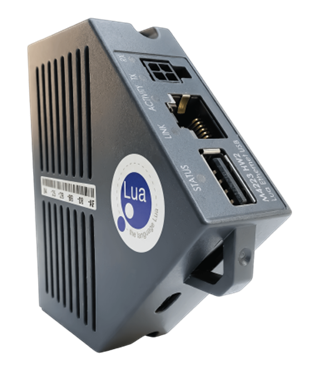
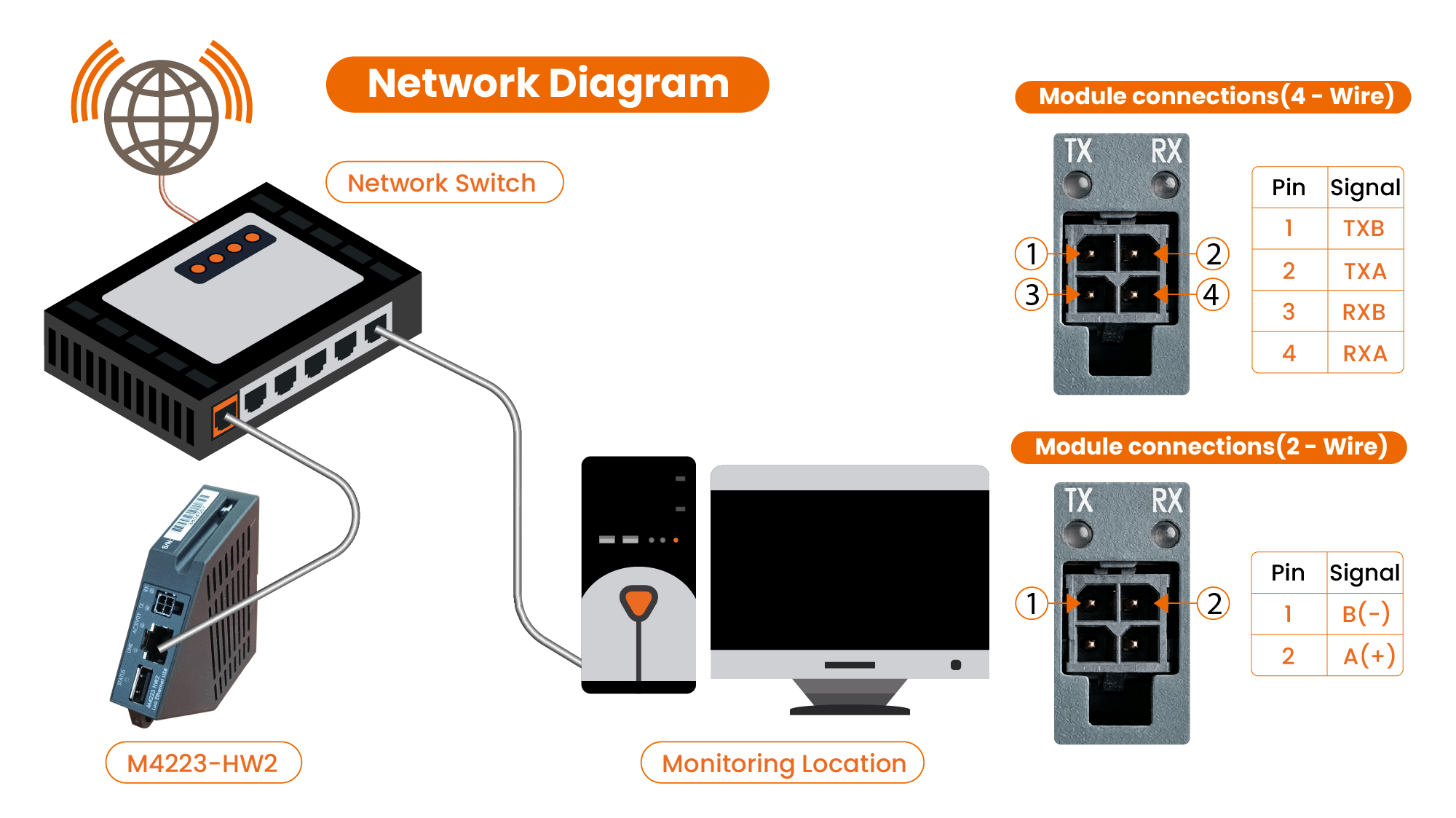
Key Highlights & Features
- 10/100/1000 Base TX with Auto Negotiation
- DHCP Client
- Raw bi-directional ports (TCP & UDP)
- Raw transmit only ports (TCP & UDP)
- Standard RJ45 connector
- Standard USB-A & USB-C connectors
- Web Interface
Product Description
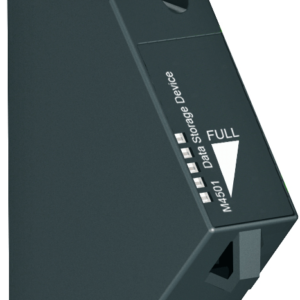
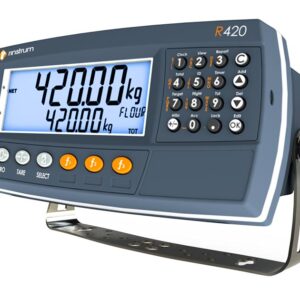
The R400 Series R420 and R423 indicators support Ethernet using the M4223-USERHW2 module, it can be used with application software:
- K401 Basic Weighing
- K402 Process control
- K410 Filling
- K491 Tilt
- K422 Dynamic axle weighing
Connect an R400 indicator onto a network using an Ethernet connection for:
- Remote monitoring of indicator (for service technicians)
- Direct connection to the indicator from your PC application using standard sockets interface, to retrieve weight readings and configure settings
Features
- 10 TCP and 4 UDP bi-directional server sockets to interact with network port on the R400
- 3 TCP and 2 UDP uni-directional sockets (listening) to interact with auto-output port on the R400
- 1 RJ45 Ethernet port, 1 USB-A 2.0 port, 1 USB-C port, and 1 RS422/RS485 serial port
- Simple configuration of network settings (DHCP, IP, Subnet mask, Gateway, DNS) from the R400 indicator and View400 software
- DHCP client built in for auto IP negotiation or static IP allocation
By loading this video, you agree to the privacy policy of Youtube.
Smart Weighing
Using View400 software you can connect to an indicator via a network, either locally or remotely over the internet. The connection is made using the IP address or Host Name of the unit. This access then allows the usual Viewer functionality, for example:
- Test the connection to the indicator
- Modify the indicator setup
- Monitor the unit
…now that is Smart Weighing!
Product Downloads
The following files are available for download for the M4223-USERHW2. Ensure you select the correct documentation for your unit's software version. Check back regularly for software and other updates.
To download files, please click on a filename below. A save dialogue box should appear allowing you to specify your save location.
If a save dialogue box does not appear, right click on the link and select save target as.
Reviews
There are no reviews yet.